Wash Near Me for iPhone Features
The wash score, road salt, CarPlay and the washes near you, one feature at a time.
What each feature does and where it is in the app. Coming to the App Store, for iPhone on iOS 26 or later.
Wash score
Whether today is a good day for a wash, in a few plain words.
Where it is: Home, and any day you tap
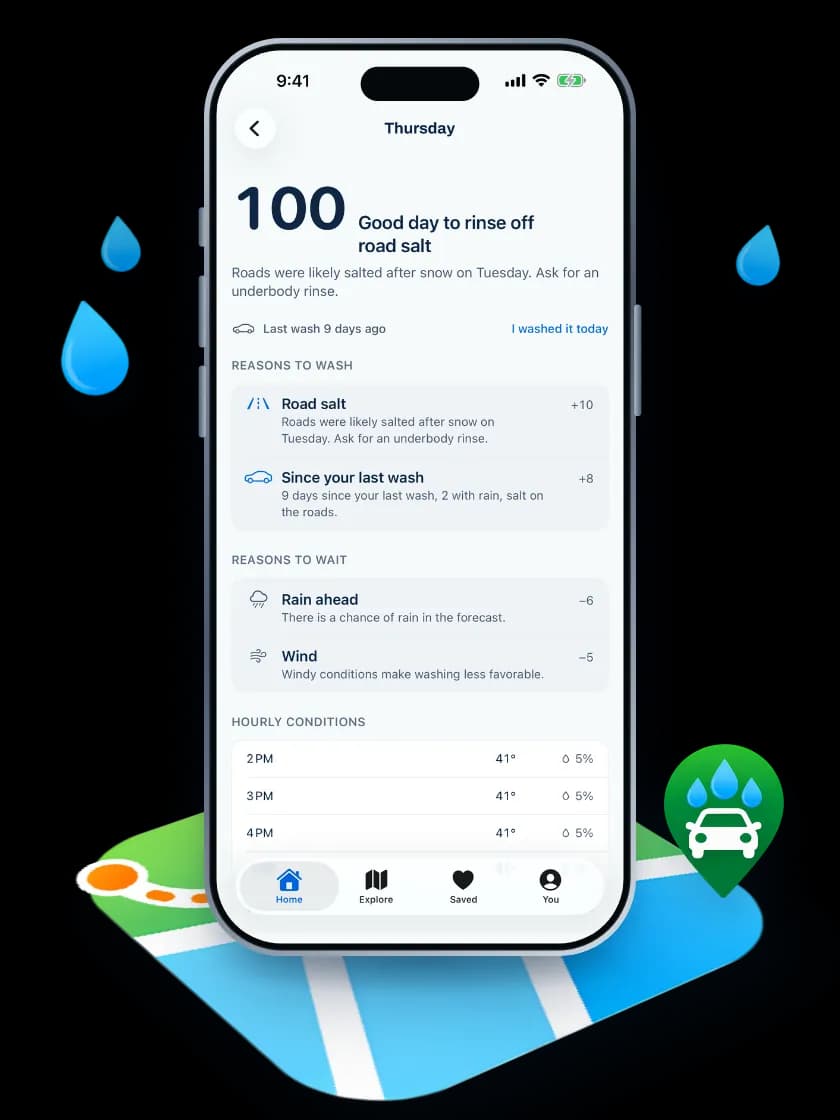
The app reads the Apple Weather forecast where you are and says what it means for a wash today, like “Good day for a wash” or “Snow first, wash after”. The score, 0 to 100, sits small beside it, and on a day to skip the line under it names a better day when there is one.
- The week at a glanceSeven days in a row, each with its score, and the best day tagged, so you can pick the day.
- The reasons, in a few wordsUp to three reasons sit under the words, like Rain tomorrow night or Road salt. Tap the day to see every reason and what it cost.
- It starts at 100Rain now or coming, snow, freezing, wind, heat and severe weather each take points off. Rain in the next six hours costs most.
- Great day for a wash85 to 100
- Good day for a wash70 to 84
- Could go either way50 to 69
- Maybe hold off30 to 49
- Let this one pass0 to 29
A forecast, not a promise. The forecast comes from Apple Weather.
Road salt
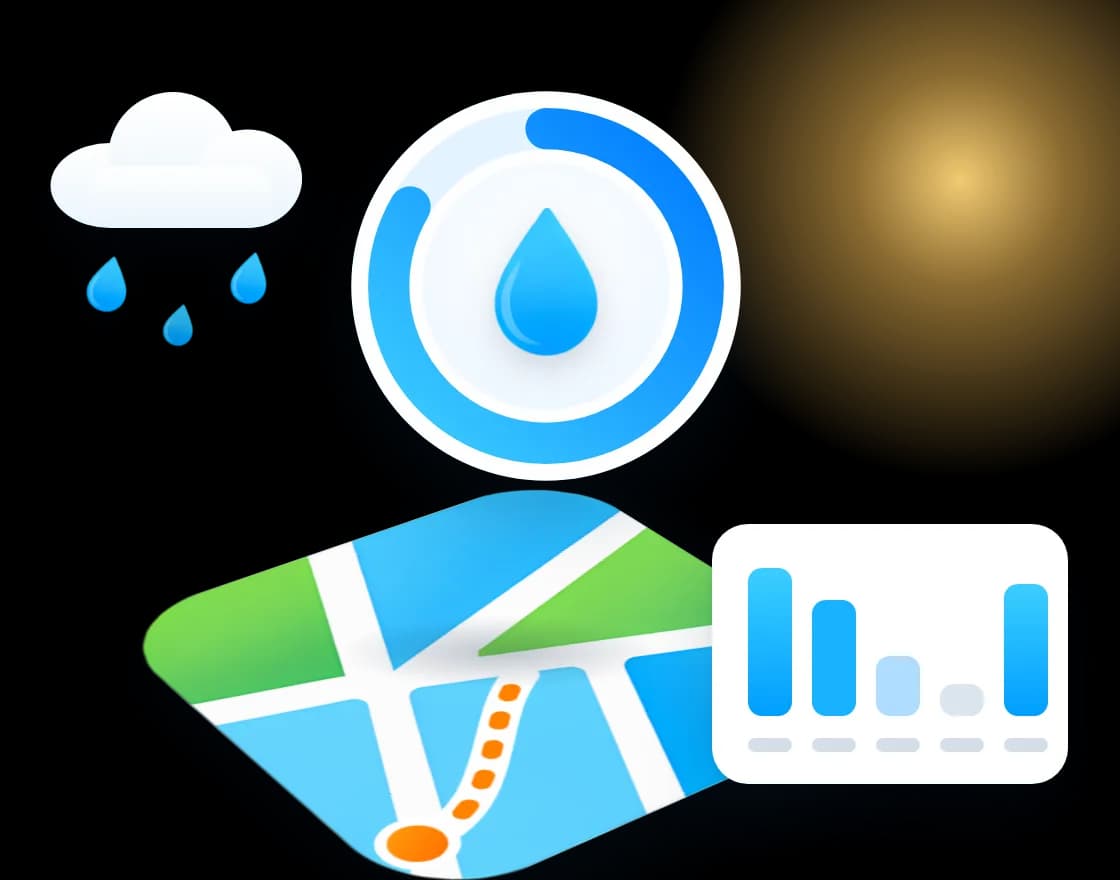
After a snowy or icy week, it tells you when to rinse the salt off.
Where it is: Home, all winter
The app looks back over the past seven days as well as ahead. A day with a fifth of an inch of snow or more, or any wet hour at 28°F or colder, means the roads were likely salted.
- While it's still freezingThe score stays low and says to wait for a dry day above freezing.
- On the first good dayThe salt adds 10 points and the headline says "Time to rinse off the salt", with a reminder to ask for an underbody rinse.
- Washed it? Tell the appLog the wash and that salt stops counting.
CarPlay widget
On your CarPlay dashboard, a suggestion instead of a number.
Where it is: CarPlay dashboard, Home Screen, Lock Screen and StandBy
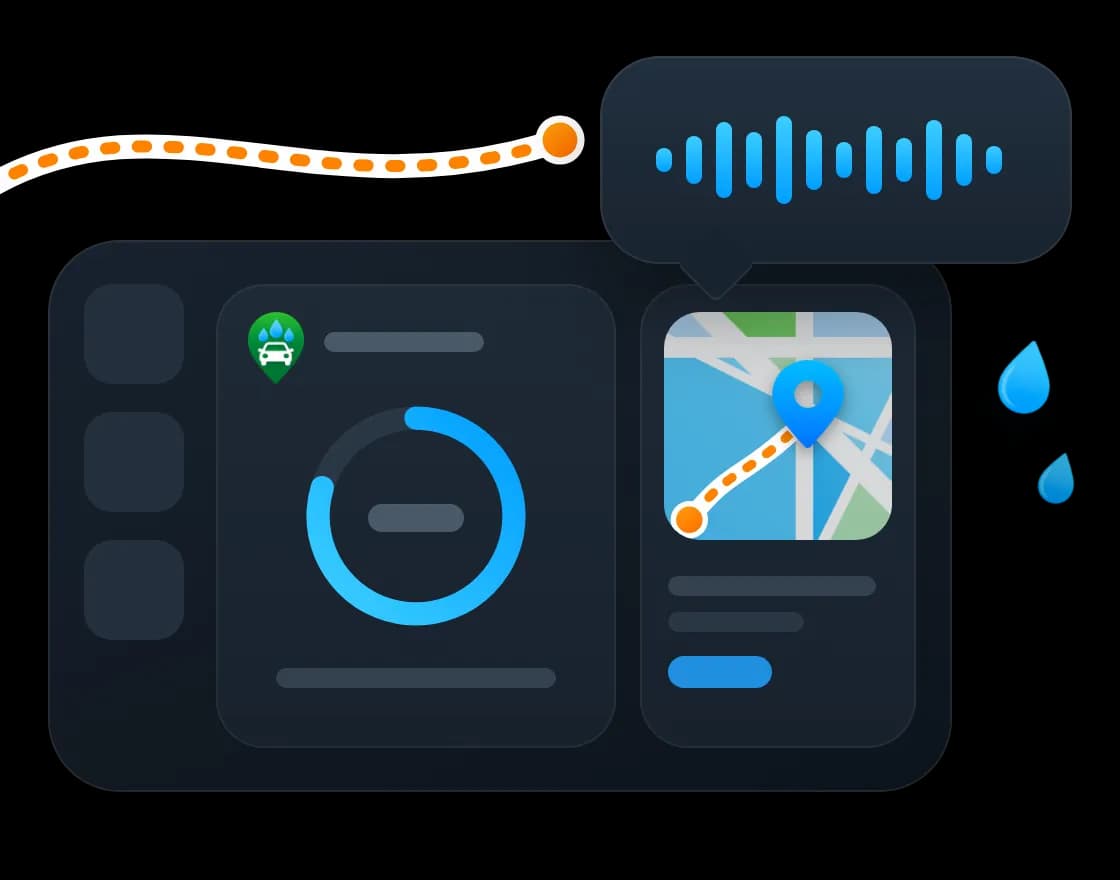
From iOS 26 the Wash Near Me widget can sit on the CarPlay dashboard. It says in a few words whether today looks like a wash day, in the same words as Home, and gives the reason. It works with your phone locked.
- In a few words"Good day for a wash", "Maybe hold off on a wash", or the reason when one decides the day, like "It's raining. Free rinse, no soap." The widget never shows the number.
- Your wash, one tap awayOn your phone, a tap opens a quote request to the business you last asked, filled in from last time. You still press Send.
- The nearest washThe nearest place that's open, with the distance. Hours count only while they're current.
- Three sizesSmall for CarPlay and the Home Screen, medium with the nearest wash beside it, and one line on the Lock Screen.
There is no separate CarPlay app. Apple keeps CarPlay apps to a few kinds of app, and widgets are open to every app.
Siri
Ask out loud while you drive.
Where it is: Siri, with no setup
Siri answers without opening the app, which is what lets it work in the car.
Today's score
- “Is today a good day to wash in Wash Near Me?”
- “Should I wash my car with Wash Near Me?”
The nearest wash
- “Nearest car wash in Wash Near Me”
- “Find a car wash with Wash Near Me”
Log a wash
- “I washed my car in Wash Near Me”
Find and compare
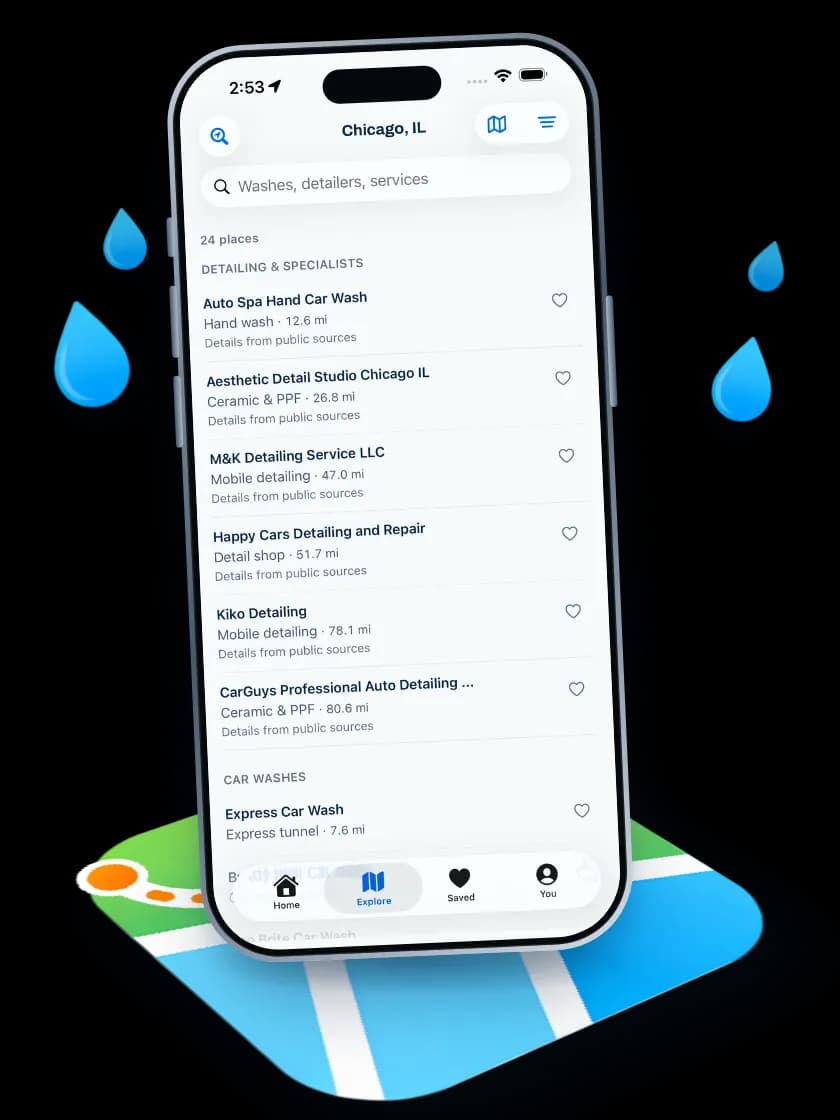
Car washes and detailers around you, on a map and in a list.
Where it is: Explore
Search by name or service, or move the map and search that area.
- Detailers and washes apartDetailers and specialists in one group, drive-up car washes in another, with the distance on each.
- "Open now" you can trustThe open-now filter only counts hours read in the last 15 minutes. Older hours say "Check hours" instead.
- What they do, and from what priceThe kind of work, and a starting price where the business lists its menu.
- Call or get directionsOne tap from the result.
Businesses on Pro appear in a row labeled Sponsored above the results. The results themselves are ranked by distance and relevance only.
Business pages
Each business on one page, even when it has listed little.
Where it is: Tap any wash or detailer
Hours, prices, photos and the buttons that matter, laid out the same way for every place.
- Actions in one rowCall, Directions, Website and Save, and Request a quote where the business takes requests.
- Today's conditions thereThe wash score for that spot, on the page.
- Look Around and Apple Maps detailsWhen Apple Maps knows the place, its Look Around view and place card appear. When it doesn't, nothing empty is shown.
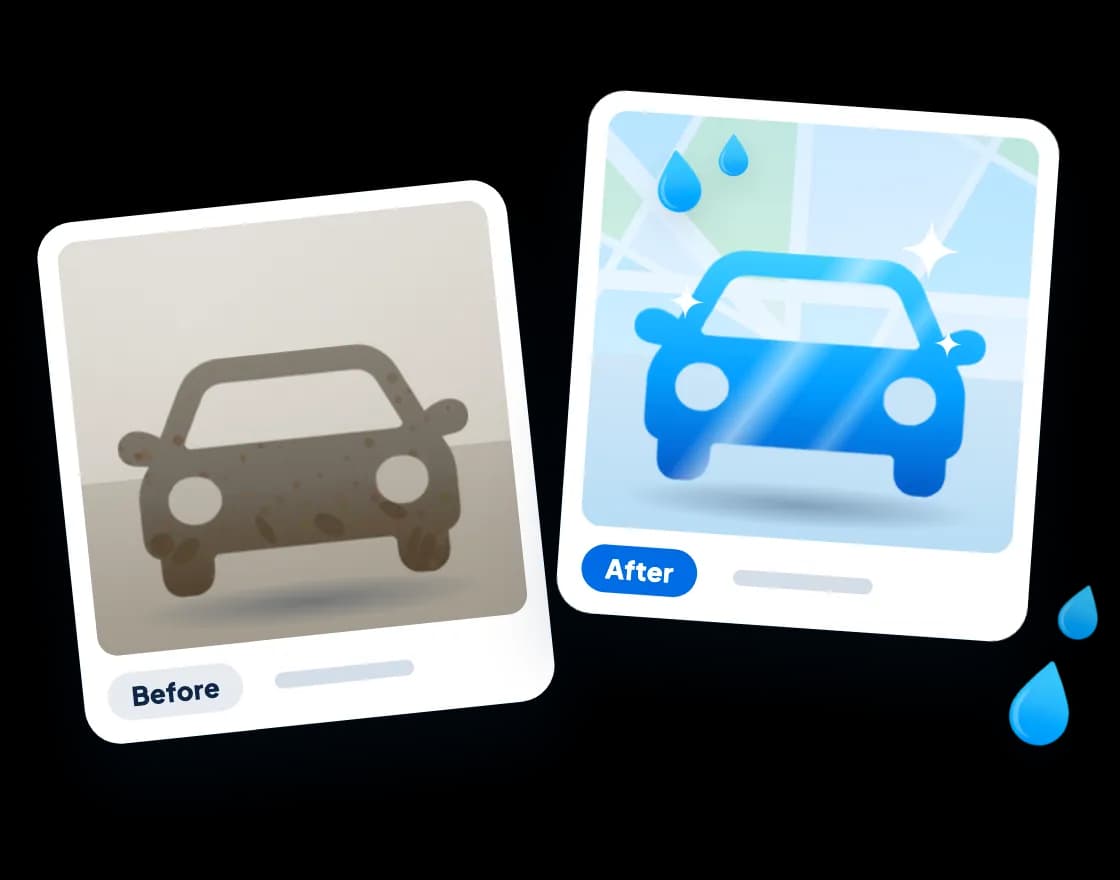
- Past jobsPro businesses show finished jobs with before and after photos, and you can ask for the same service from there.
Quote requests
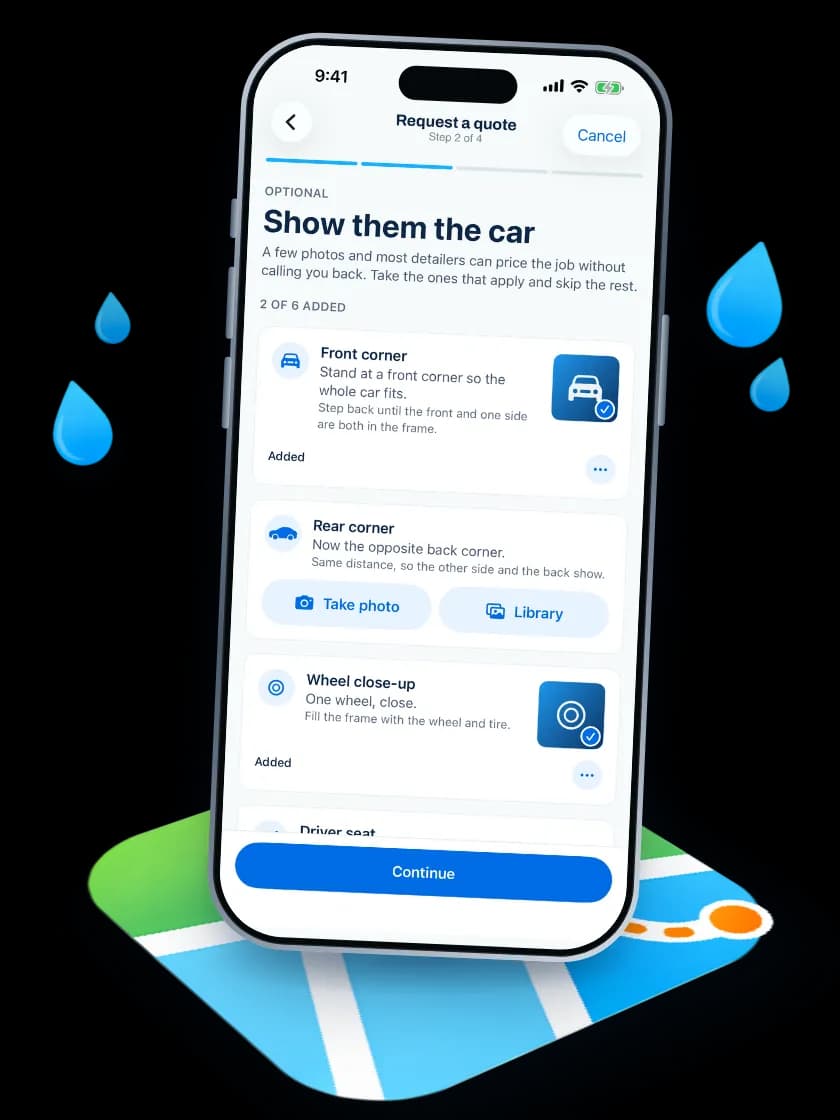
Ask a detailer for a price, and show them the car.
Where it is: Request a quote, on a business page
Four short steps: what you want done, your car, photos if you like, and when and where. Photos let a detailer price the job without calling you back first.
- The right photosThe app asks for the shots that fit the job, like a front corner, a rear corner and a wheel close up. Skip any of them.
- They reply to youThe business texts or calls you with a price and a time. Wash Near Me doesn't book or take payment.
- Your photosUp to six, sent to that business only, and deleted 90 days after you send them. They appear on the business's page only if you tick the box that says they may.
- Requests you sentA copy of each request stays on your phone, under You.
Saved
Tap the heart to keep a place.
Where it is: Saved
Your saved washes and detailers are one tap away. As many as you like, on your phone, with no account.
Wash diary
A log of every wash, and where you got it.
Where it is: Home, and You › Your washes
Tap "I washed my car" and it is logged. Then say where and what kind, if you like.
- Where, without typingIt suggests the Wash Near Me listing or Apple Maps car wash you are at, using the location you already allowed. Or pick At home.
- What kind, and what it costTunnel, self-serve bay, hand wash, detail or at home. The price is optional.
- Your washesWashes this year, spend this month, days between washes, the place you go most, and a map.
- A nudge, if you want oneOne reminder two weeks after your last wash to check the score. Off unless you turn it on.
Your washes stay on your phone. Nothing about them is sent to Wash Near Me. The days since your last wash, and salt you rinsed off, count in the score.
No account
No account needed, and your phone keeps your things.
Where it is: Everywhere
The score, the map, saved places and the wash diary all work without signing up.
- Location for two thingsFinding places near you and your local forecast. The app asks while you use it, never for all the time.
- On your phoneSaved places, your washes and copies of your requests stay on your phone.
- No paymentsYou pay the wash or the detailer directly. Wash Near Me never handles that money.
For businesses
Run your business from the same app.
Where it is: You › Sign in, with your business email
Owners sign in with their business email. Requests, the page and the hours are in their pocket.
- Requests, the moment they landA notification, then the car, the job and the photos large, with Call, Text and Email and a reply drafted with your price.
- Quick editHours with a picker, prices, photos and what you do, from your phone.
- Past jobs from a won requestWith the customer's OK, their photos become a past job in a tap. On Pro.
- On the free listingHow many drivers tried to request a quote, and what Pro adds. Billing stays on the website.
Hear when you can install it.
Leave your email on the app page and we will write when it is in the App Store.